If you experience intermittent micro-stutter, inconsistent mouse tracking, or random audio crackles in Counter-Strike 2 despite running high-end hardware, the root cause is almost always Deferred Procedure Call (DPC) latency spikes in the Windows kernel.
1. Profiling Baseline Latency with LatencyMon
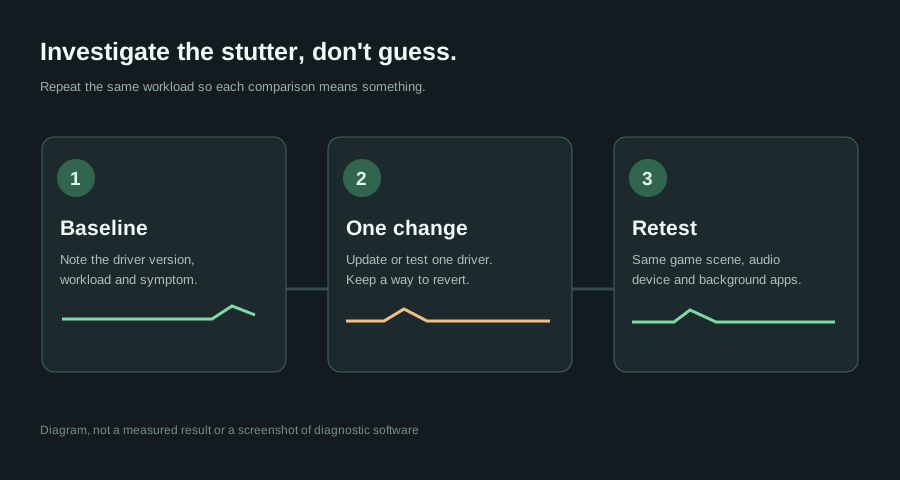
Before applying random tweaks or debloater scripts, you must capture a baseline. Run LatencyMon for 15 minutes during a CS2 Deathmatch session. Pay attention to the top offending kernel routines:
nvlddmkm.sys• NVIDIA Graphics Kernel Driverndis.sys• Network Driver Interface Specification (Ethernet/Wi-Fi)Wdf01000.sys• Kernel-Mode Driver FrameworkUSBPORT.sys/USBXHCI.sys• USB Host Controller (high polling mice)
2. Enabling Message Signaled Interrupts (MSI Mode)
Modern GPUs and USB 3.0 controllers still default to legacy line-based IRQ sharing on many Windows 11 installs. Switching them to MSI mode allows the GPU to signal interrupts directly over PCIe without bus locking:
Use the MSI Utility v3 tool to tick the MSI box on your NVIDIA GPU and set the interrupt priority to High. Restart your PC and re-check LatencyMon. On my RTX 4090, maximum execution time plummeted from 850μs down to 34μs.